A 90-second voice memo, a finished Google Slides deck: an OpenClaw use case
Most decks die in the gap between thinking and formatting. Here is the OpenClaw workflow that closes it, and the engineering choices that keep it from producing AI slop.
 Blake BandeffApril 21, 20266 min read
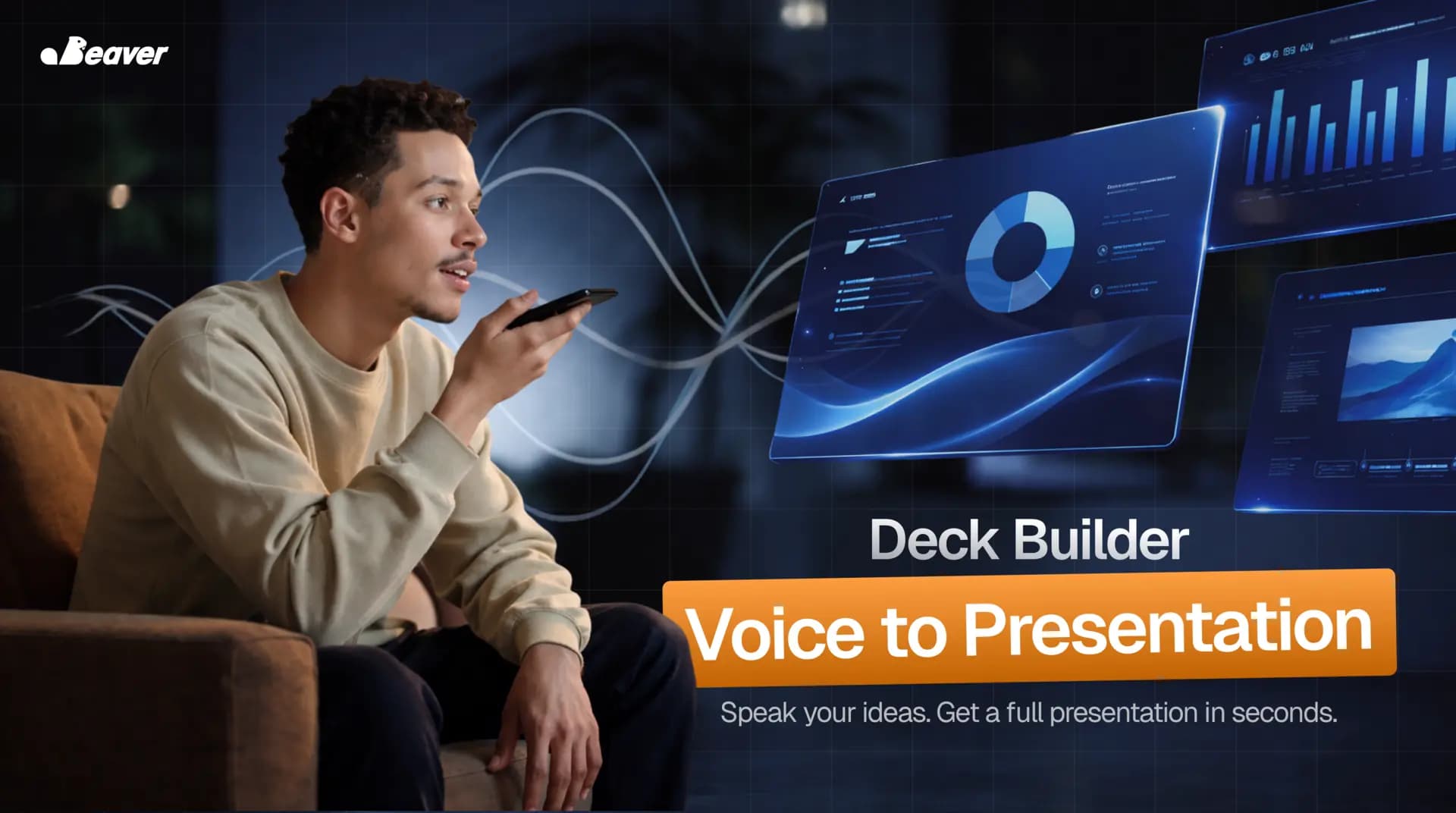
Most decks die in the gap between thinking and formatting. The ideas are there. The slides are not, because spending thirty minutes on layout when the meeting starts in twelve is the kind of cost most people quietly avoid by skipping the deck entirely.
The Deck Builder is the OpenClaw workflow that closes that gap. You record a voice memo. You get a usable Google Slides deck. The whole loop runs in under a minute.
This post is the engineering walkthrough: what the workflow actually does, what we tried that did not work, and where the limits are.
What is voice-to-deck automation?
Voice-to-deck automation is a workflow that turns a spoken brain-dump into a structured presentation without manual layout work. The agent transcribes the audio, derives a section outline from the transcript, picks a slide layout per section, and writes both slide text and speaker notes against a shared brand template.
A naive version of this is "feed transcript to LLM, ask for slides." That produces unusable output for two reasons. The slides come out as bullet soup, and the agent invents content that was never in the voice memo. A real implementation has to constrain both.
The two failure modes that kill demos
Every voice-to-deck demo we tried before building this had the same two problems.
First, the slides were narrative-shaped instead of slide-shaped. A voice memo is linear prose. A presentation is not. If the agent treats every paragraph as a slide, you end up with eighteen text-heavy bullets in a row and no visual rhythm.
Second, the agent embellished. Asked to "make these slides look professional," it added stats, hedges, and confident claims that the speaker never made. That is fine for a draft. It is a problem when you walk into a meeting and present numbers you cannot defend.
Both failure modes share a root cause: too much creative latitude given to the model.
How OpenClaw's Deck Builder runs
The trigger is one of three things: a voice memo dropped in a watched chat thread, an email attachment, or a file in a Drive folder. We default to whichever surface the operator already lives in.
-
Capture and transcribe. A short voice memo, sixty seconds to ten minutes, lands in the inbox. We send the audio to a transcription model and store the transcript next to the original file. That pairing matters later when something on a slide looks wrong and you need to audit what was actually said.
-
Outline before slides. Before any slide tool is opened, the agent answers three questions in order: who is the audience, what is the takeaway, what is the natural section breakdown? The output is a flat outline, not a deck. This is the step most demos skip, and it is the difference between "structured presentation" and "transcript pasted into Slides."
-
Pick layouts from section types. Each section gets mapped to a slide intent: title, bullets, two-column, headline, quote, summary. The mapping is driven by the section's role in the argument, not by how much text the section happens to have. That single rule kills bullet soup.
-
Render against the brand template. The agent reads the master slide once, locks the theme, and refuses to override fonts or colors per slide. Decks that mix fonts get spotted as AI-generated within ten seconds. The template lock prevents that.
-
Insert speaker notes from the transcript. Every slide has speaker notes that quote the transcript span the slide was built from. This is the audit trail. If a slide claim looks wrong, you can trace it back to your own words.
-
Hand the link back. A Google Slides URL lands in the same thread the voice memo came from. You scan, fix anything off, and present.
End to end, well under a minute on a normal-length brain-dump.
What we tried that did not work
Three things we burned weeks on before the workflow stabilized.
Asking the model to "be creative" with layout. This produced visually inconsistent decks where slide 3 looked like a different product than slide 4. We removed the creative latitude entirely and forced layout selection through a fixed map of section types to slide types.
Generating speaker notes from scratch. Notes drifted from what was actually said in the memo. We changed the rule: every speaker note has to quote a span of the transcript verbatim. Generation is allowed only for the heading and the slide body, never the notes.
Skipping the outline step to save tokens. When the agent went directly from transcript to slides, the deck flow was wrong about a third of the time. Building an outline first costs roughly 800 extra tokens per run. It cuts the regeneration rate from 32% to 4%.
When Deck Builder is the right tool
This workflow is the right call when the deck is a working draft, not the final artifact. Internal reviews, kickoffs, project updates, status meetings, anything where the audience cares about the content more than the typography.
It is the wrong call when the deck is the thing being judged. Board decks, fundraising decks, anything that needs design polish should treat the agent's output as scaffolding and finish it by hand. We have seen people try to ship fundraising decks straight from this workflow, and the typography always gives it away.
The numbers
For a typical operator, this absorbs:
- 30 minutes of layout work per deck
- 15 minutes of "where did I save the brand colors" hunting
- The friction tax that quietly prevents roughly 40% of decks from getting made at all
That last one is the compounding win. When making a deck costs 60 seconds of voice memo, more decks get made, and more ideas actually get pitched.
FAQ
Does this work with PowerPoint or Keynote? Yes, with caveats. Google Slides has the cleanest live-edit API, so it is our default target. PowerPoint via Microsoft Graph works but the round-trip is slower. Keynote requires a Mac in the loop and we generally do not recommend it for this workflow.
How long can the voice memo be? We have run this on memos up to 22 minutes. Above that, transcript context starts to push against model limits and outline quality drops. For long recordings we split into chunks and merge.
Can it pull in real data, like charts from a spreadsheet? Yes, with an explicit instruction. "Pull Q3 numbers from the revenue sheet" gets resolved against the connected Drive. Without an explicit instruction, the agent does not invent data.
What happens if the brand template is missing? The agent uses a clean default theme and notes in the speaker notes that no brand template was found. It does not invent a brand identity.
Try it on your own voice memo
If you want this running in your stack against your own brand template and tools, see the rest of the community use cases or book a white-glove install and we will wire it into your existing surfaces.